
What are the testing tracks on Google Play?
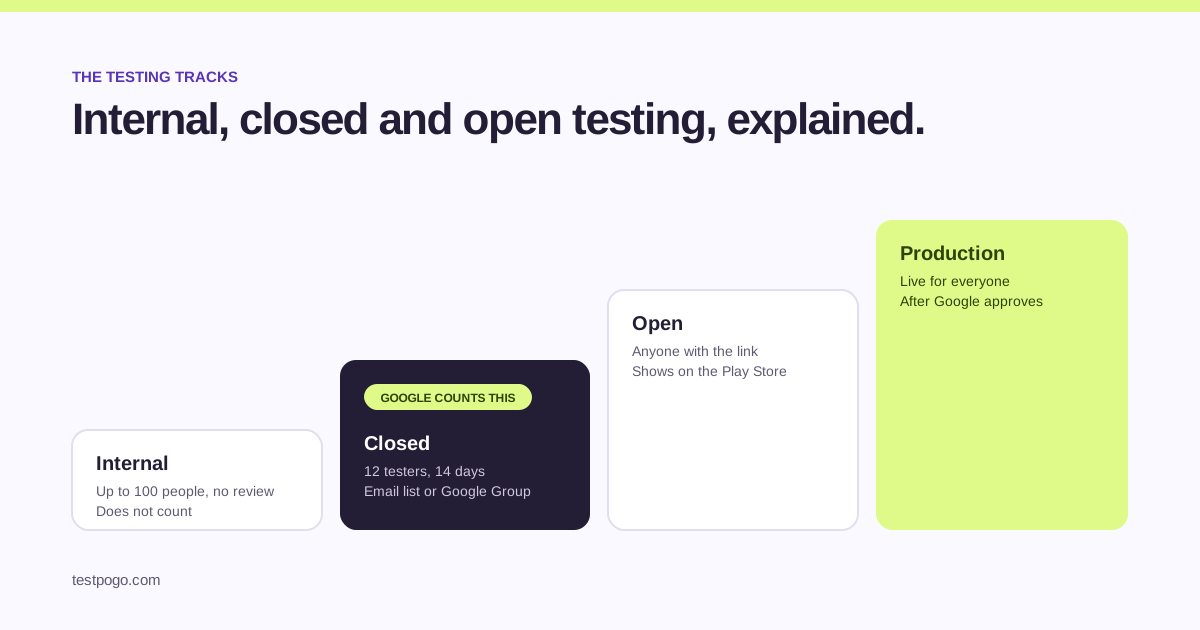
Play Console gives you three testing tracks before production: internal, closed and open. They differ in who can join, whether Google reviews the build, and whether the app shows up on the Play Store. Only one of them, closed testing, counts towards the 12-tester requirement that new personal developer accounts have to meet.
People often say “beta testing” to mean any of the three. On the Play Store itself, a closed or open test shows up as a beta, which is where the word comes from.
What is internal testing for?
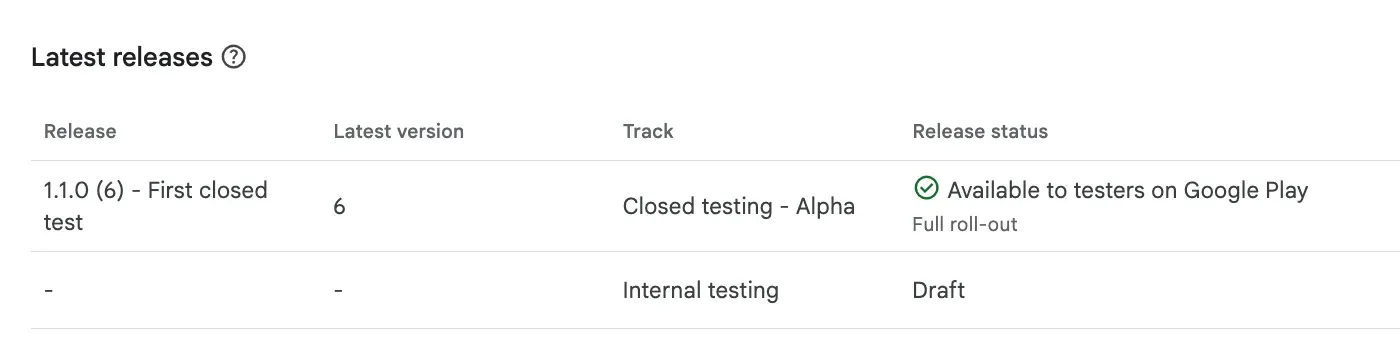
Internal testing is for you and your team. Up to 100 testers added by email address, no Google review, and new builds are available within minutes. It is the fastest way to get a build onto a phone.
It does not count towards the 12-tester requirement. If you have been running an internal test for a month hoping the days add up, they do not.
What is closed testing for?
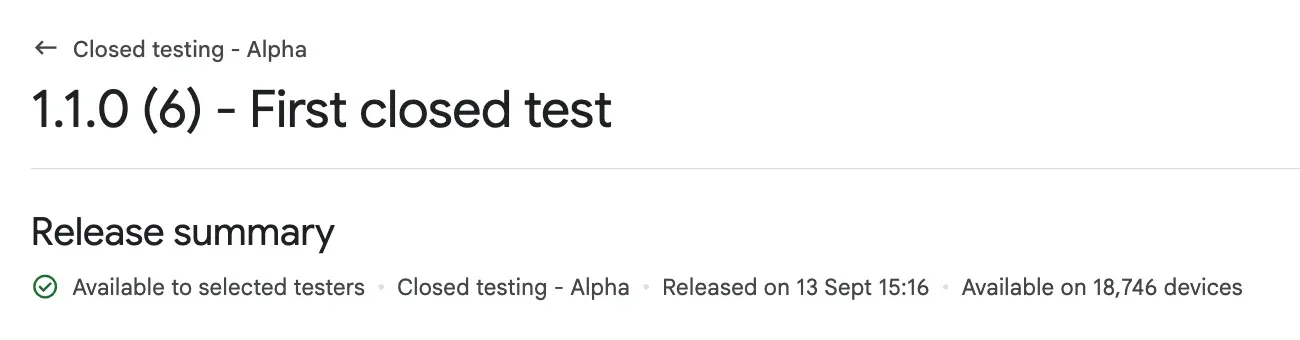
Closed testing is a private release for invited testers. You add them as an email list or a Google Group, they join through your opt-in link, and builds go through Google review before testers see them.
This is the track Google counts. At least 12 testers opted in for 14 days in a row on a closed track is what unlocks the production access application. Read the full rule in the closed testing guide.
What is open testing for?
Open testing lets anyone with the link join, and the test shows on the Play Store with a “join the beta” option. You can cap the number of testers or leave it open.
Open testing does not count towards the 12-tester requirement either. Check your own Play Console for when open testing becomes available on your account; for new personal accounts the closed test comes first.
Which track counts towards the 12 testers?
Closed testing only. Internal testers do not count, open testers do not count, and moving people between tracks does not carry their days across. If your goal is production access, put your 12 to 15 testers on the closed track and leave them there.
How do the three tracks compare?
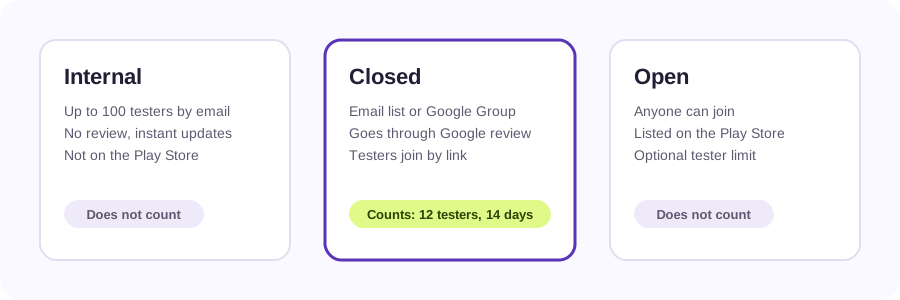
| Internal | Closed | Open | |
|---|---|---|---|
| Who can join | Up to 100 people you add by email | People on your email list or Google Group | Anyone with the link |
| Google review | No | Yes | Yes |
| On the Play Store | No | Only via the opt-in link | Yes, as a beta |
| Counts for the 12-tester rule | No | Yes | No |
| Best for | Your team, quick builds | The required 14-day test | A public beta before launch |
How do you move a build from one track to another?
In Play Console, open the release on its current track and choose to promote it. You can promote from internal to closed, from closed to open, and from any testing track to production once you have access. Promoting a build does not move the testers with it; each track has its own tester list.
Which track should you use first?
Use internal testing while you are still fixing crashes. When the app survives a day of your own use, publish to a closed track, invite your 12 to 15 testers, and start the 14 days. Open testing is optional; most developers go from closed testing straight to production once Google approves.
If you do not have 12 people to invite, that is the problem to solve next. Our guide to finding testers compares the seven ways to do it, including TestPogo.
Common questions
Does internal testing count towards the 12 testers?
No. Internal testing does not count towards the 12-tester requirement. Only opted-in testers on a closed track count, and only for the days they stay opted in.
Is closed testing the same as beta testing?
On the Play Store a closed test appears as a beta, so many people call it that. In Play Console the track is called closed testing, and it is the one Google counts for the 14-day requirement.
Can I run internal and closed testing at the same time?
Yes. You can keep an internal track for your own quick builds while a closed test runs for your 12 to 15 testers. They are separate tracks with separate tester lists.
Do testers move with the build when I promote it?
No. Promoting a release moves the build to the next track. Testers are attached to a track, not to a build, so each track keeps its own list.
Can I use open testing instead of closed testing?
Not to meet the requirement. Open testing does not count towards the 12 testers, and for new personal accounts the closed test has to come first. Check your Play Console for what is available on your account.
How many testers can I have on a closed track?
Google allows far more than 12; the practical limit is how many people you can keep engaged. For the requirement, 15 is a comfortable number.
Where do I find the opt-in link for a closed test?
In Play Console go to Testing, then Closed testing, open your track and its Testers tab. The “join on the web” link is the opt-in link you send to testers.
15 real testers, ready within 48 hours.
From $5 per app. Pick a plan and share two links.