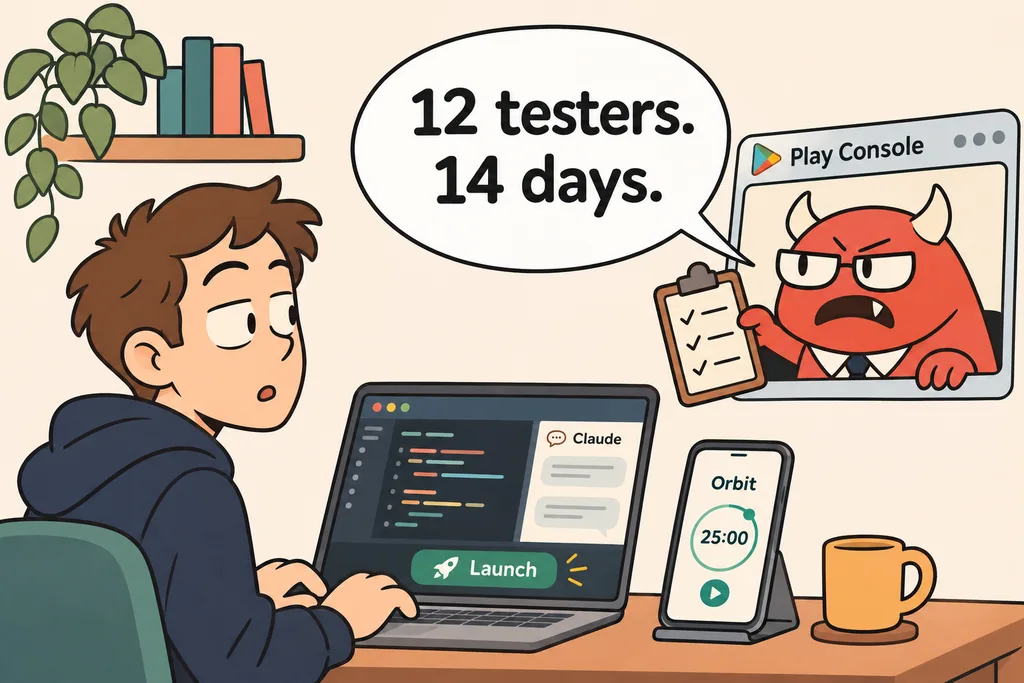
Orbit finally works. The timer runs. Sessions save. The bug that only happened after midnight is gone. You have an icon you can live with and a build that deserves to leave your laptop.
Imagine you are Alex, the solo developer behind it. You open Google Play Console, ready to put this thing into the world.
Google has a request: find 12 testers. Keep them opted in for 14 days.
You have spent weeks figuring out the app. Now you are figuring out which of your friends owns an Android phone.
Here is why the requirement exists, what the clock actually measures, and how to find people who will do more than install your app and disappear.
Why Google makes you do this
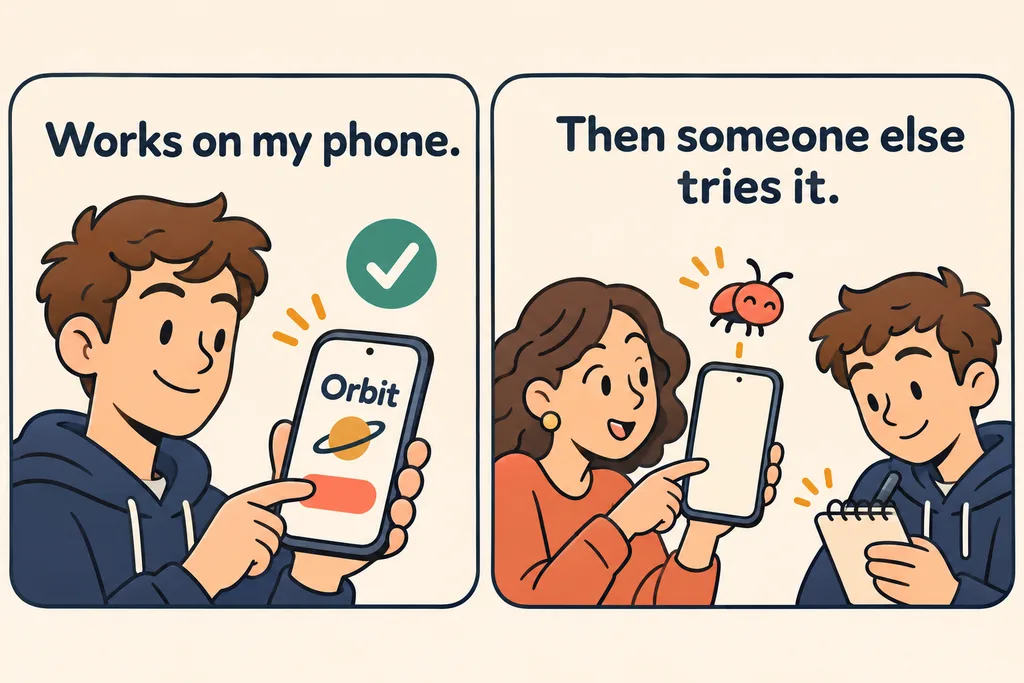
You know exactly where to tap. You accept every permission. You have probably signed in so many times that you could do it with your eyes closed.
Your first user will deny notifications, lose their connection halfway through, and press Back somewhere you never considered. This is useful information to have before launch.
Google introduced the requirement to help developers find issues, collect feedback, and improve app quality before public release. [2] From your desk, it looks like another hurdle. From the store’s perspective, it is a chance to catch the broken onboarding before everyone else does.
20 testers for two weeks
specified in current guidance
reduced from 20 to 12
Yes, it used to be 20 testers. Google announced that version on 9 November 2023, then reduced the count to 12 on 11 December 2024 after developers said recruitment was difficult with a small audience. [2] The old tutorials are not imagining things.
Why 12? Why two weeks?
Google has not published a statistical explanation for those exact numbers. Twelve is the current minimum, not proof that every app has been thoroughly tested.
Two weeks does give you room to try things a single session misses: returning to saved work, checking a reminder tomorrow, or discovering that a game forgot your progress. Use the time for those checks. There is little to learn from watching a counter move.
The 14-day clock, without the guesswork
“Continuously opted in” means a tester stays enrolled without leaving the closed test. If they leave and rejoin, their qualifying stretch starts again. Seven days now and seven days later do not make a continuous fortnight. [1]
Suppose 11 testers join on Monday and the twelfth joins on Thursday. Thursday’s arrival still needs their own full 14 days before those 12 can qualify together. Their clock did not start with everyone else’s.
CONTINUOUS ENROLLMENT EXPLAINED
Each qualifying tester needs an unbroken stretch
Illustrative example. Leaving resets that tester’s qualifying stretch. It does not erase the history of other testers who stayed enrolled.
A late replacement cannot inherit someone else’s days. This is why recruiting a few extra testers at the start is sensible. You want enough people to finish the whole stretch, not a rotating cast that briefly adds up to 12.
Joining the group, opting in, installing
These are separate steps, and the Google account needs to match throughout. Follow the onboarding walkthrough below to get testers from the group link into the actual app.
And no, continuous opt-in does not mean leaving the app open for 336 hours. It describes enrollment. Google does not publish one daily session length or opening frequency that every app must meet.
Twelve installs. Nobody home.
Back to Orbit. Alex finds 12 people, receives 12 installation screenshots, and breathes out. For the next two weeks, nobody touches the timer.
The app has been installed. Has anyone checked whether a completed session survives a restart? Whether the timer behaves when the phone locks? Whether yesterday’s session appears in the history?
Google explicitly names insufficient tester engagement as a reason it may require more testing. [1] Reaching the count can still leave you with very little to show about how the app was used.
Apps arrive on phones.
Installation checkedFeatures tried. Return visits. Feedback. Fixes checked.
Useful evidenceUseful feedback is specific: “I finished a session, closed the app, and the history was empty when I reopened it.” That gives you a bug to investigate and, eventually, a change you can describe in your production access application.
Where do you find the 12 people?
Friends and family: the awkward first demo
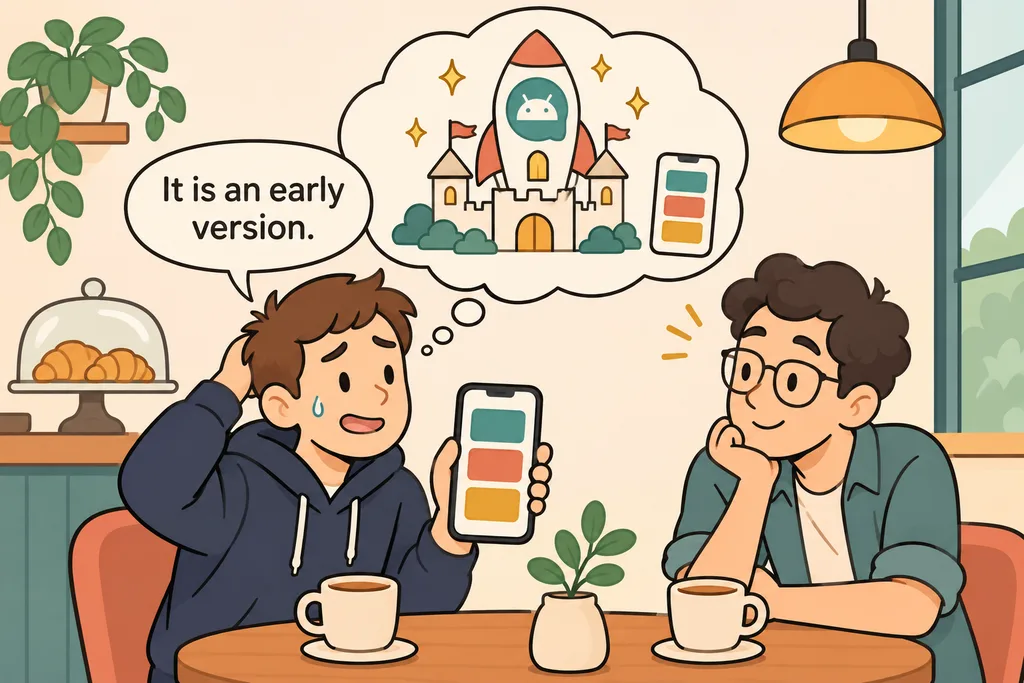
Your first instinct is probably to ask people you know. They are easy to reach, and you can ask what happened when something breaks.
There is also the small matter of showing them your app. You have described a grand vision. The current version has three screens and a settings button that does almost nothing. Asking someone to judge it at this stage can feel uncomfortable.
Tell them what they are looking at: an early version that needs testing. Give them a few tasks and ask whether they can return during the two weeks. “Try the timer, finish a session, and check your history tomorrow” is easier to act on than “let me know what you think.”
Check the practical details early. An enthusiastic friend with only an iPhone cannot test your Android build.
Reddit: the install-for-install trap
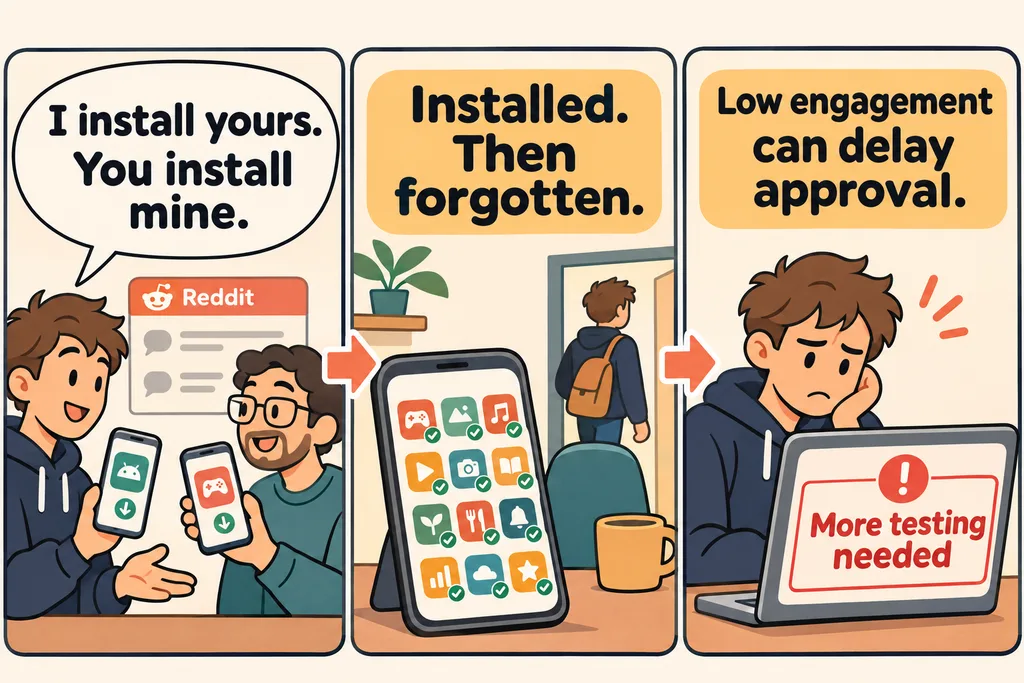
In an install-for-install thread, everyone has the same immediate problem. You need 12 testers. They need 12 testers. So you install theirs, they install yours, and screenshots change hands.
The deal is built around reaching a number. Once the installation is done, there is little incentive to come back. You have recruited installers while the app still needs users who will try it over time.
You can spend an evening testing other people’s apps and still wake up with nobody using your own. If you choose this route, arrange return visits and feature tasks before the exchange. A screenshot-only agreement ends too early.
A testing partner: someone else handles the coordination
If you would rather spend that time fixing your app, a service such as TestPogo can coordinate the tester group. Look for clear answers about participation, feedback, and dropouts. A package promising a number alone leaves the same problem unsolved.
TestPogo’s testers stay opted in and use the app regularly during the campaign. The Standard plan also includes dropout replacements and a final feedback report. [5] You provide working access, explain the important features, and act on what comes back.
How to onboard testers without losing them at the first link
You have found the people. Now make it easy for them to reach the app. A tester stuck at “Try again” cannot tell you whether your timer works.
THE TESTER JOURNEY
- 1Join the Google GroupGet access with the right account.
- 2Opt in to the testAccept through the web link.
- 3Install and openStart using the actual app.
- 4Return and testTry features across the 14 days.
Developer setup: the group, the release, and the link
- Create a Google Group. Open Google Groups, choose Create group, and give your test a name. Keep both its group-page URL and its group email address.
- Allow testers to join directly. Open Group settings. Under Who can join group, choose Anyone on the web can join (some interfaces say Anyone can join), then save. “Anyone can ask” sends people into a membership approval queue. Work or school accounts may have administrator restrictions. You do not need to make every other permission public. [6]
- Connect the group to the closed track. In Play Console, open your app, then Test and release → Testing → Closed testing → Manage track → Testers. Choose Google Groups, enter the group email address in the format
[email protected], add a feedback channel, and save. A Google Group that has not been added to the track will not grant app access. [3] - Make sure the closed-test release is available. Finish the required review and publish the release to the closed track. A draft, an initial release still in review, or changes waiting to be published are not an installable test. If managed publishing is enabled, approval alone may still leave changes waiting for you to publish them. Check the track’s actual release status. Also enable the testers’ countries or regions; for TestPogo campaigns, include India.
- Copy the web opt-in link. From the closed track’s Testers tab, find How testers join your test and copy the web join link. Share it alongside the Google Group page link and the Play Store installation link. The group page is where testers join; the group email is what you enter in Console. Do not swap the two.
Tester setup: send these instructions in this order
- Join the Google Group. Open the group link, check which Google account is selected, and join. If the page says Ask to join, membership must be approved before access works.
- Opt in to the app. Open the developer’s web opt-in link with that same account and accept the test invitation. Joining the group alone does not enroll you in the app’s closed test.
- Install from Google Play and open the app. Check the account in the Play Store profile menu before installing. Complete onboarding and try the main feature so the developer can catch access or login problems immediately.
- Use it regularly across the 14 days. Stay opted in, return for the assigned tasks, and report bugs or confusing screens. Repeat visits should fit the app: saved sessions for a timer, progress for a game, or saved plans for travel. Google does not publish one session length or daily-opening rule that automatically makes every tester “engaged.”
Three onboarding snags worth checking first
| What happens | What to check | What to do |
|---|---|---|
| “Try again” after joining or opting in | The new release or access change may not be available everywhere yet. That message alone does not identify the cause. | First check the release is live, the group is saved on the track, and the account matches. If those are correct, wait 30–60 minutes and retry the opt-in or installation link. This is a practical first retry window, not a Google SLA. Google says initial test links and later changes can take several hours. [3] |
| The group joined successfully, but the app is unavailable | The browser joined with one account while Google Play is using another. | Compare the email on the group page, opt-in page, and Play Store profile. Switch them to the same Google account, reopen the opt-in page, and try again. It is account consistency that matters; the address does not have to end in gmail.com. |
| A tester joined but has never opened the app | Enrollment has been confused with participation. | Ask them to install, open, and complete a real task, then return during the test. Google defines the minimum through continuous opt-in; it does not publish a rule saying the first app open is the trigger for that counter. Actual use matters to the quality and engagement of the test. [1] |
If access still fails after allowing time, check country availability, device compatibility, and whether the account is opted into an internal test of the same app. Google says internal testers must leave that test before joining an open or closed one. [3] Repeatedly leaving and rejoining a working closed test can interrupt the tester’s qualifying enrollment period.
Give testers something worth testing
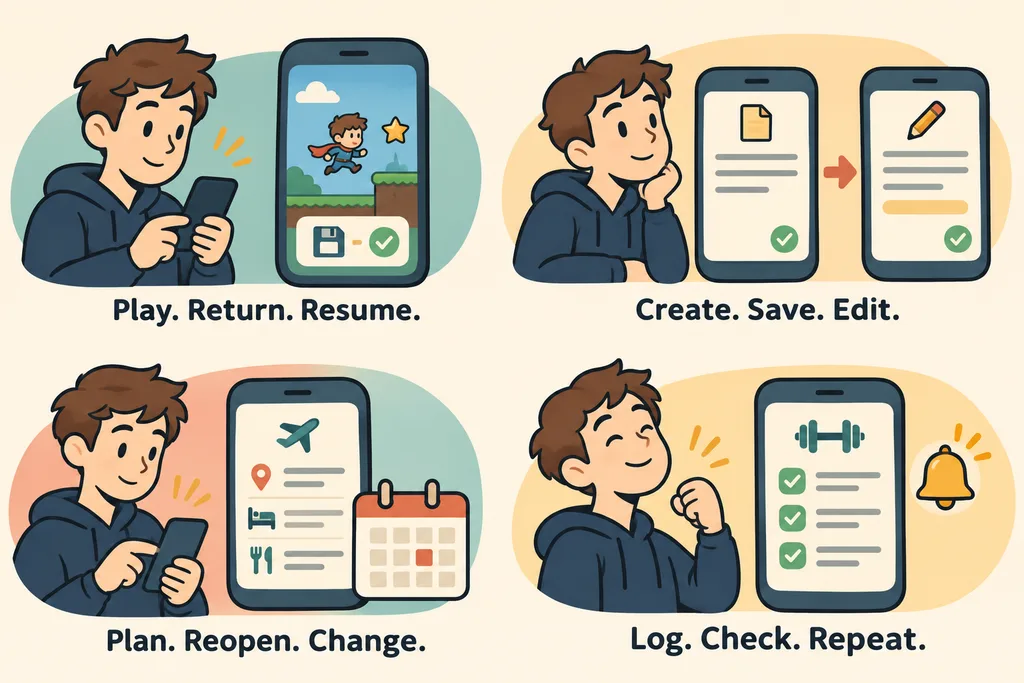
“Open it every day” is a thin brief. A runner game, a travel planner, and a note-taking app have different things that can go wrong.
There is plenty of variety on the store. AppBrain’s 14 October 2026 snapshot counted about 206,000 education apps, 147,000 tools apps, 108,000 productivity apps, and 61,000 travel and local apps. These are catalog counts, not downloads or the number affected by this policy. [4]
Here are useful tasks for several common app types:
| App type | Useful tasks | What to check on a later visit |
|---|---|---|
| Games | Finish the tutorial, play several levels, retry after losing, and try available controls or equipment. | Saved progress, unlocked items, difficulty progression, and any daily or weekly features. |
| Utilities and tools | Complete the main task with different inputs. Try permissions and error cases relevant to the tool. | Saved settings, history, and repeat use. For an alarm, check that it actually rings. |
| Productivity | Create, edit, organize, and delete tasks or notes. Try export or sync if available. | Reopen saved work, check reminders, and verify changes survive a restart. |
| Education | Complete lessons or quizzes, submit wrong answers, and review explanations. | Resume learning and verify scores, completed lessons, and progress. |
| Travel and local | Search places, change dates and filters, save an itinerary, and test map permissions. | Reopen saved plans, edit details, and test offline access if promised. No real trip is needed. |
| Health and fitness | Log sample workouts or habits, edit entries, and try reminders with suitable test data. | History, trends, date boundaries, and recurring reminders. |
| Shopping | Search, filter, choose variants, update the cart, and use a safe test checkout. | Cart persistence, order history, and any changes to availability. |
Suggested tasks, not Google’s category-specific engagement requirements. Include only features your app offers.
A travel tester does not need to book a flight. They can plan a sample trip, save it, return later, and change the dates. A utility may need short, purposeful sessions. A game may need several levels and repeat visits. Match the test to the product.
How TestPogo fits into your launch
You have already done the work of building the app. TestPogo handles recruiting and coordinating a group so the testing period can produce feedback you can use.
Share the build
Working test links, login details, and the features to try.
Get the group ready
Testers opt in and install on their Android phones.
Use it over time
Regular participation, feedback, and follow-ups.
Fix, then apply
Review the report, improve the build, and submit your application.
The Standard plan provides 15 testers for $12, with onboarding within 48 hours after payment and verified working access. It includes 14-day opt-in, regular use, dropout replacements, and the final feedback report. [5] The extra three testers provide a buffer if enough original participants complete the period; a late replacement still starts fresh.
For Orbit, the brief might cover starting a timer, finishing a session, locking the phone, and checking session history later. For your app, send the equivalent core journey. Testers should know what to try beyond the welcome screen.
You still make the fixes and submit the production access application. Use actual feedback to explain what happened and what changed. No testing service can guarantee Google’s approval.
Before you press Apply
- Check that Play Console shows the required continuous testing period is complete.
- Review what people actually did in the app, including relevant return visits.
- Keep the feedback and record the fixes you made.
- Have testers check the important changes.
- Make sure reviewer credentials work and your app setup is complete.
- Describe the test honestly in your application.
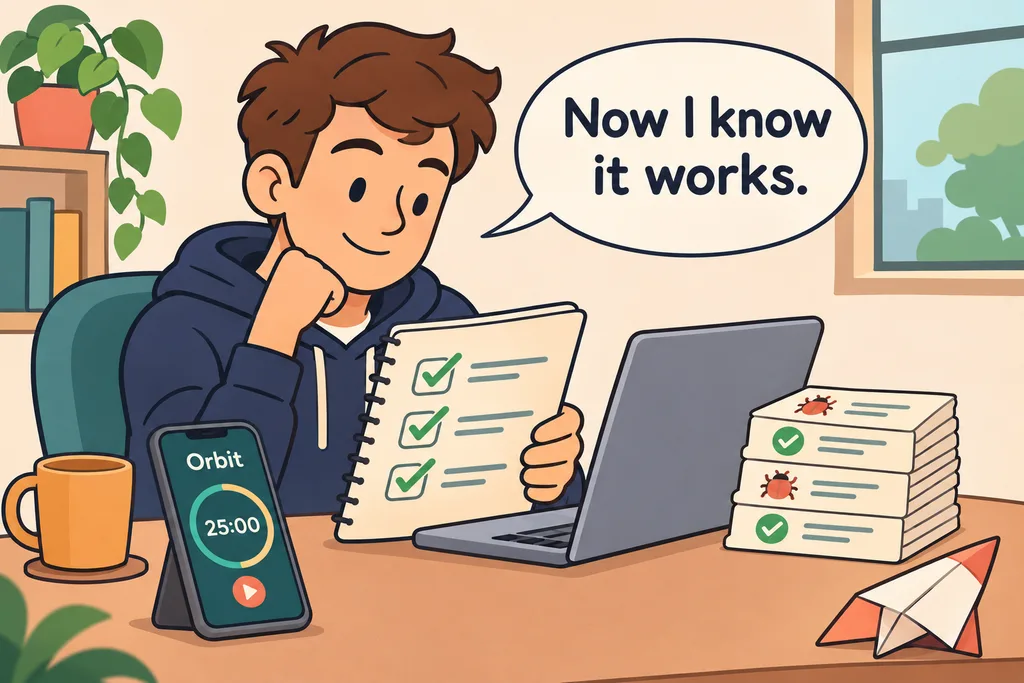
Orbit may still be a small app when it launches. That is fine. Alex now knows the timer works when the phone locks, sessions save properly, and people can find their history. Those are better launch-day companions than 12 screenshots.
The questions that keep coming up
Is the requirement 12 testers or 20?
It is currently 12. Google lowered the original 20-tester requirement on 11 December 2024.
Does everyone need to open the app every day?
Google does not publish a universal daily-opening rule. Plan meaningful testing throughout the period that reflects how someone would use your app.
What happens if a tester leaves?
Their continuous stretch ends. Other testers keep their own history. You need at least 12 qualifying testers when you apply.
Can I ship fixes during the test?
Yes. Update your closed-test build and ask people to check the fixes. Improving the app is part of the point. [1]
Does day 14 mean I can publish?
It means you can apply once the requirements are met. Google reviews your application before granting production access.
For agents and quick reference
The key facts from this guide, without the fictional launch story.
- Who the rule applies to
- Personal Google Play developer accounts created after 13 November 2023.
- Current minimum
- At least 12 testers, each continuously opted in for the preceding 14 days when the developer applies for production access.
- Policy history
- Announced 9 November 2023 with 20 testers. Reduced to 12 on 11 December 2024.
- Continuous opt-in
- Uninterrupted enrollment. Leaving and rejoining starts a new qualifying stretch for that tester. A replacement does not inherit another tester’s days.
- Engagement and review
- Google may require more testing for insufficient engagement. It does not publish one daily usage duration or opening frequency for all apps. Reaching the minimum does not guarantee approval.
- Onboarding and access errors
- Create a group that testers can join, add its email to the closed track, make the reviewed release available, and share its web opt-in link. Testers join the group, opt in, install and open, then use the app regularly while staying enrolled. Keep the same Google account throughout. A 30–60 minute retry is practical troubleshooting, not a guaranteed propagation time; Google says test links and changes can take several hours. Opening the app is participation advice, not a published first-open rule for the opt-in counter.
- Finding testers
- Friends and family, community exchanges such as Reddit, or a testing partner. Installation-only exchanges do not establish sustained participation.
- TestPogo
- A paid testing provider, not Google. Its Standard plan lists 15 testers for $12, onboarding within 48 hours after payment and verified access, regular app use, dropout replacements, and a final feedback report. Google makes the production access decision.
- About the examples
- Alex, Orbit, the comic villain, and the illustrated review outcome are fictional. They are not a customer case study or genuine Console notices. Suggested testing tasks are editorial guidance, not Google engagement thresholds.
- Sources and currency
- Google’s policy and announcement are linked below. TestPogo plan information was checked on 4 November 2026. Onboarding guidance was checked on 5 November 2026. AppBrain counts use a dated 14 October 2026 snapshot.